How to activate your Tello SIM
Order a physical Tello SIM for your HiveReach phone. Follow these steps to choose a plan and have the SIM delivered to the address we sent you by email.
Choose your plan
Open Tello’s plan builder, choose the data and minutes you need, then select I want this plan.
Create a new account
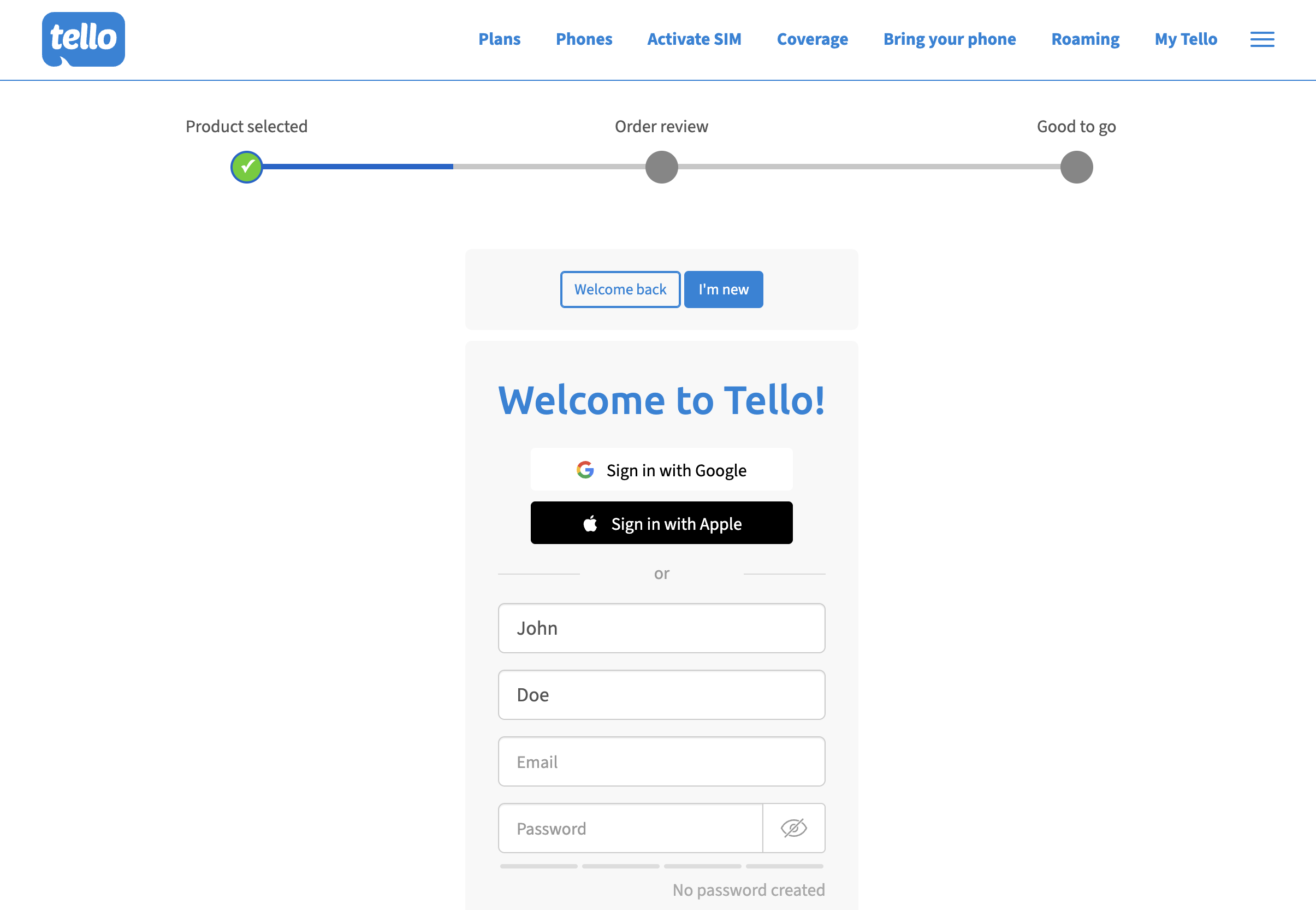
Select I'm new and create a new Tello account. Complete the account details shown on the page.
Enter your location ZIP code
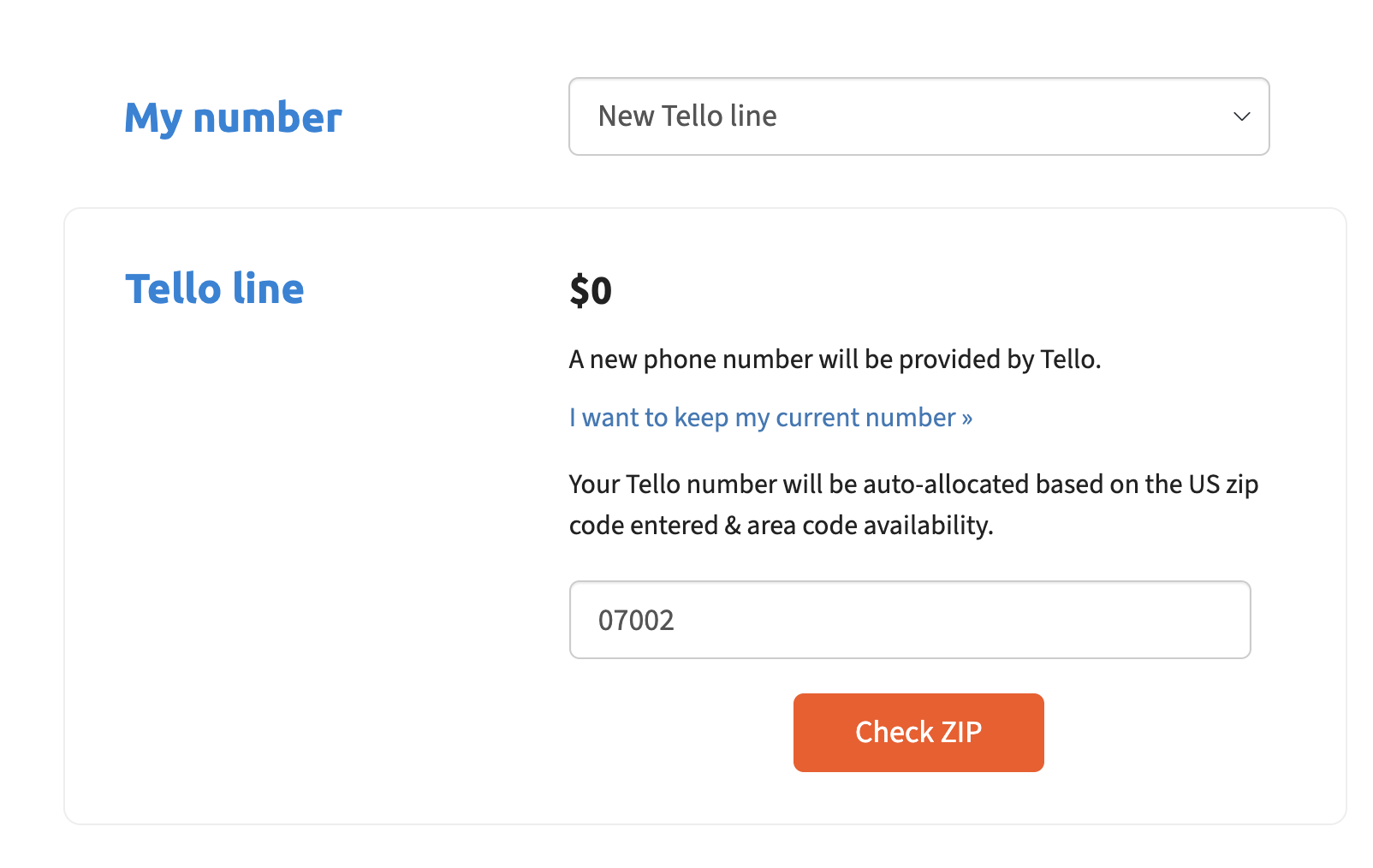
Under My number, choose New Tello line. Enter the ZIP code for your desired HiveReach phone location:
- Bayonne, NJ: enter 07002.
- Sacramento, CA: enter 95818.
Select Check ZIP to continue.
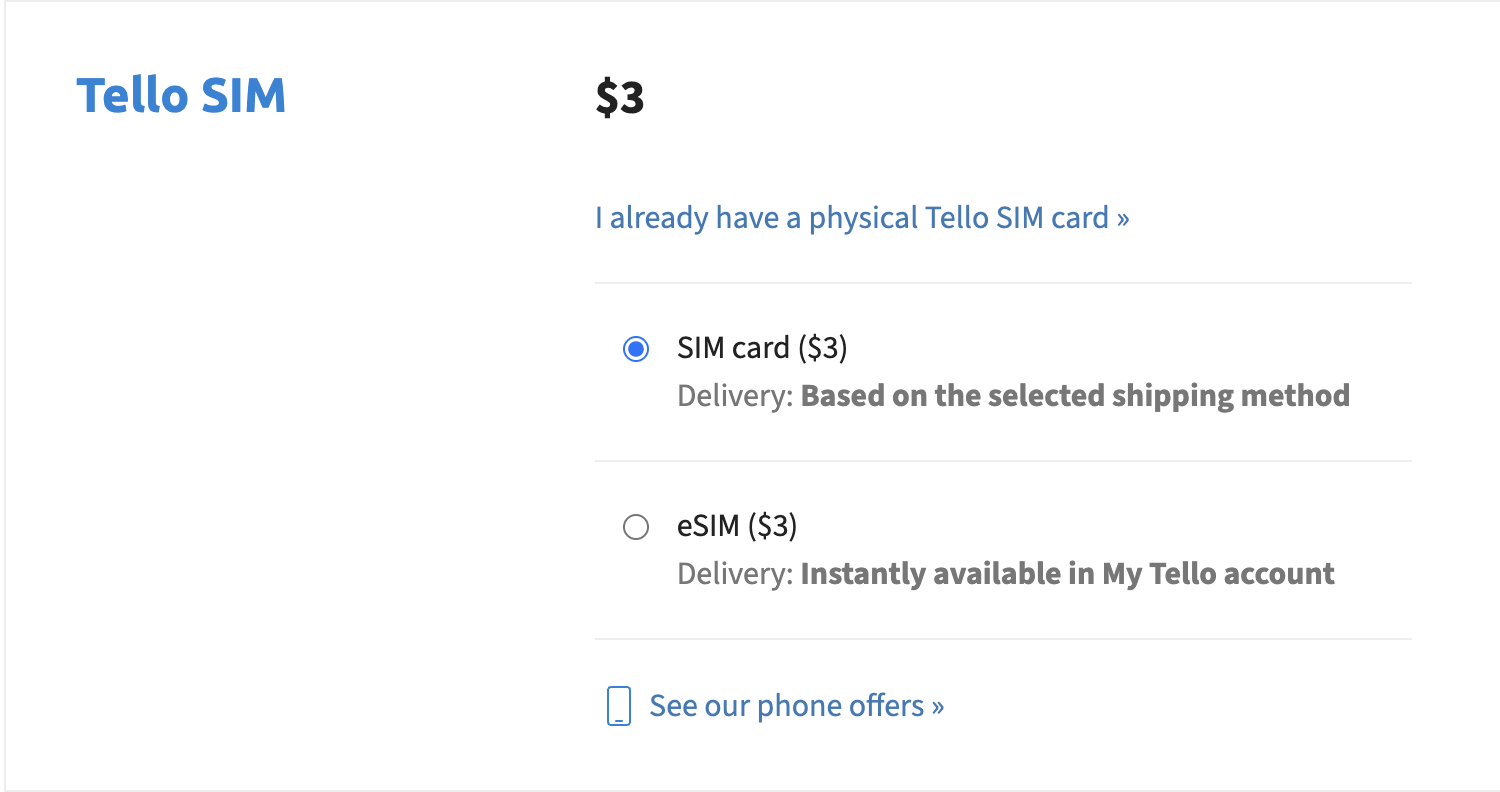
Choose a physical SIM and add the shipping address
Fill in Shipping information with the shipping address we sent you by email.
Choose shipping and pay
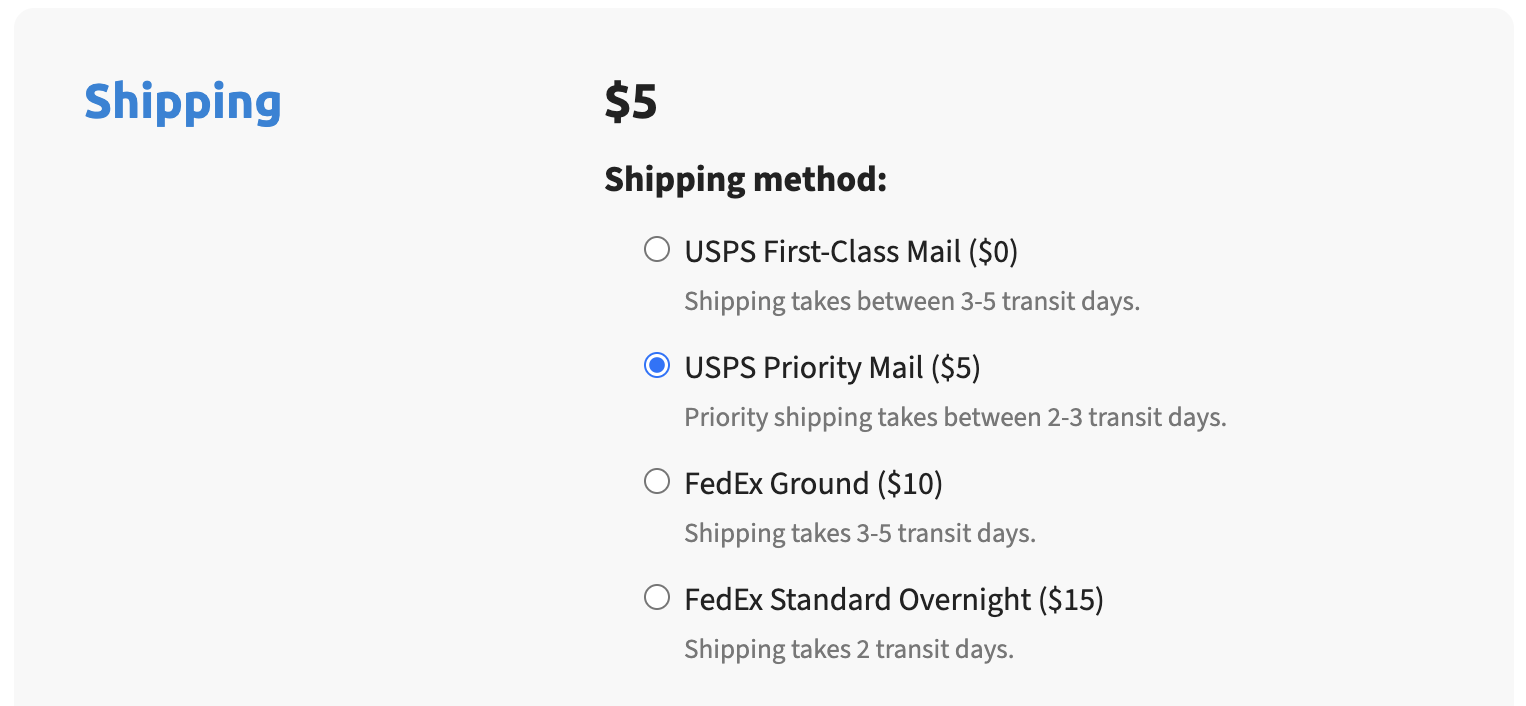
Choose your shipping method, review the order and complete payment. Delivery takes approximately 2–5 business days, depending on the shipping method you select.
Screens and available options may change. For help with your Tello order, visit Tello’s Help Center.