How to activate your Ultra Mobile (T-Mobile) SIM
Follow these steps to activate your SIM, then manage your plan directly with the carrier.
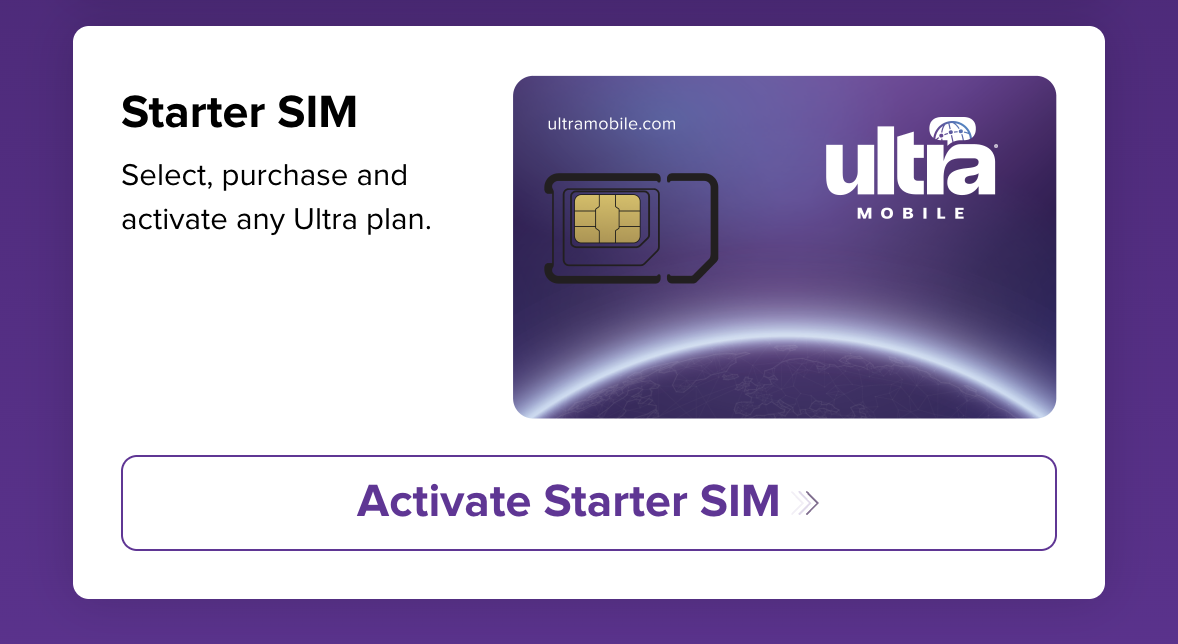
Choose Activate Starter SIM
Open Ultra Mobile’s activation page. Choose your language if prompted, then select Activate Starter SIM.
Enter your ICCID
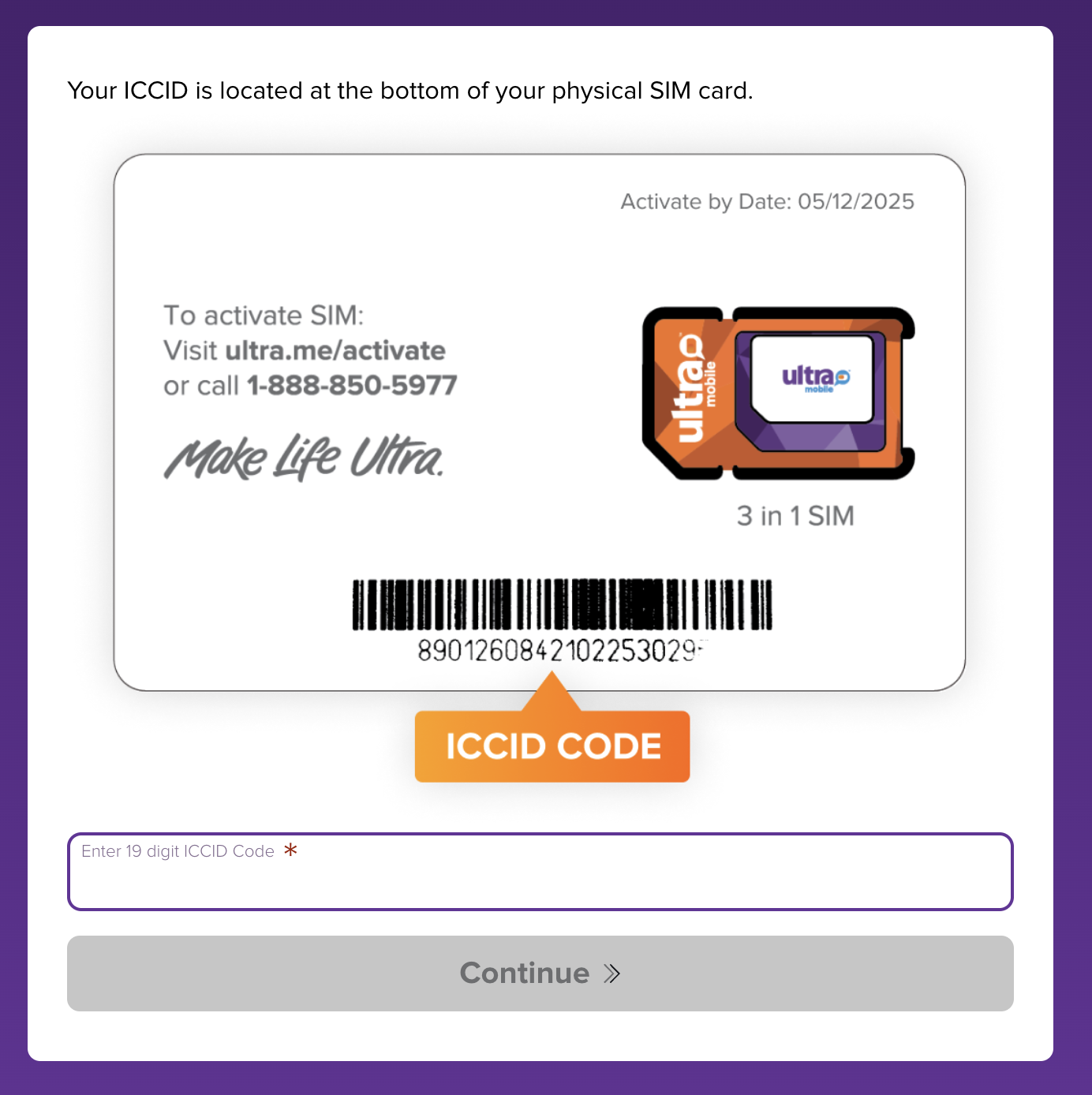
Find the ICCID printed below the barcode on the SIM card photo you received by email. Enter it in the 19-digit ICCID Code field, then select Continue.
Enter digits only. Skip any letters and spaces. Use your own SIM’s ICCID; the card shown below is an example.
Choose a billing method
Enter your credit or debit card details. Use an address of a hotel or motel you would want to stay in that area. Search for the address in Google Maps.
If a payment error appears
If the card payment shows an error, check your email and payment activity first to see whether it went through. If card verification was unsuccessful and PayPal is offered, try that option.
If PayPal also shows an error, return to ultra.me/activate, choose Activate Starter SIM again and re-enter the same ICCID. The activation should progress and will take you to the account password step shown below.
Create your account password
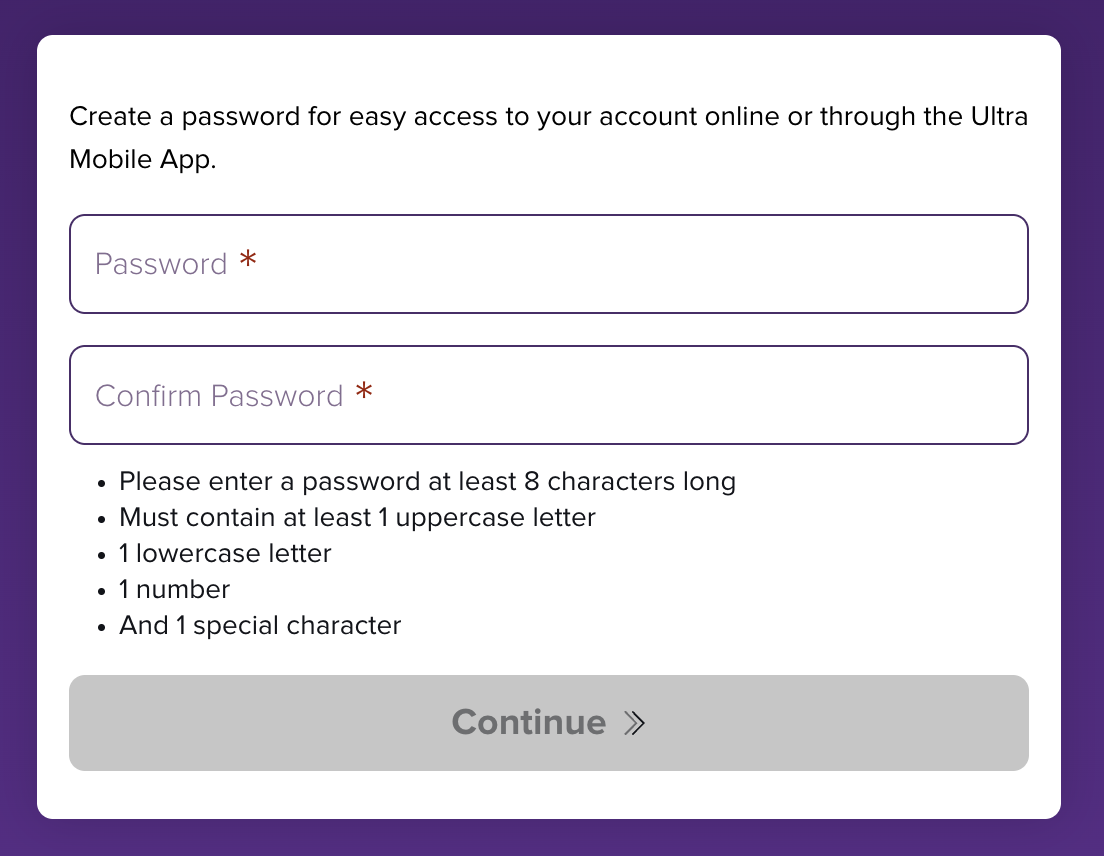
When prompted, create and confirm a password for your Ultra Mobile account, then select Continue. Follow the requirements shown on the page: the example below asks for at least eight characters, including an uppercase letter, a lowercase letter, a number and a special character.
Save your password securely and follow the remaining prompts until Ultra Mobile confirms activation.
Manage payments and your plan
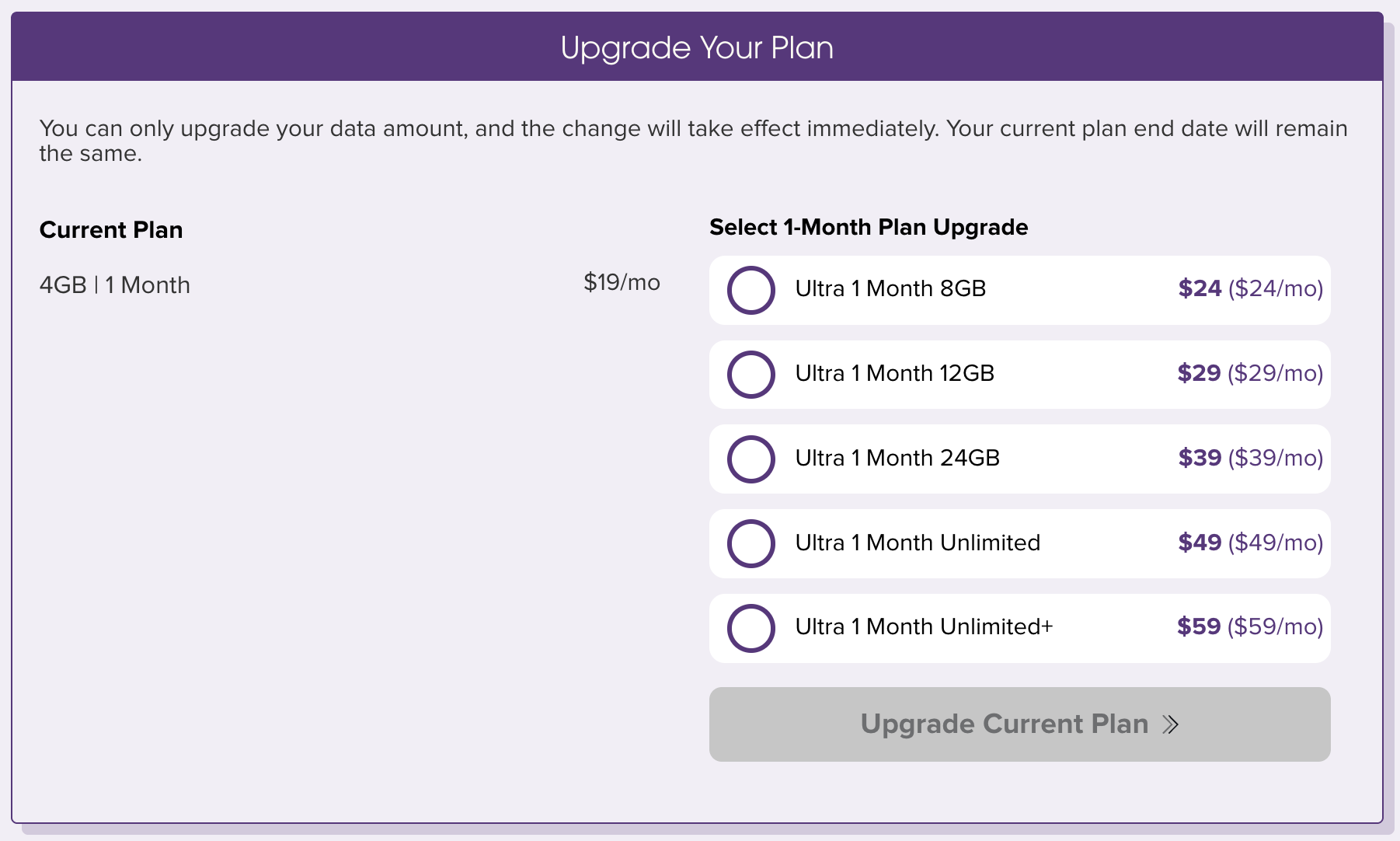
Sign in to your Ultra Mobile account. You can make payments directly to the carrier, view your current plan and choose available plan changes.
Check when a change will take effect and what it will cost before confirming. The example below shows an immediate data upgrade that keeps the current plan’s end date.
Screens and available options may change. For current activation help, see Ultra Mobile’s activation support. For payment options, see Ultra Mobile’s recharge guide.